








Play a physical game
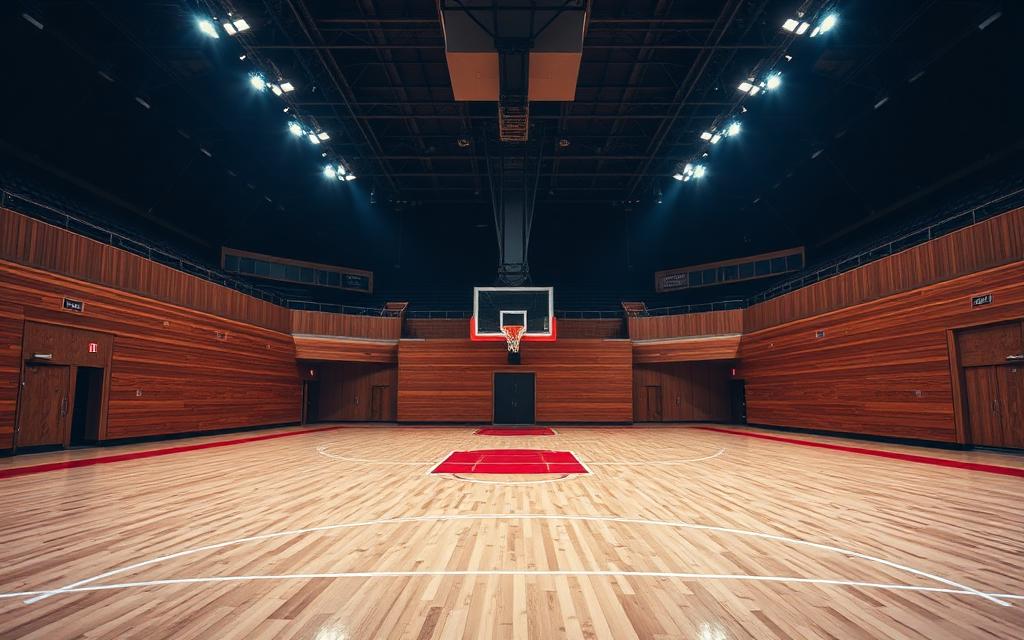
Shoot basketballs, throw to receivers, roll a bowling ball, or practice a golf swing. These experiences interpret real controller motion, with difficulty and practice options where available.
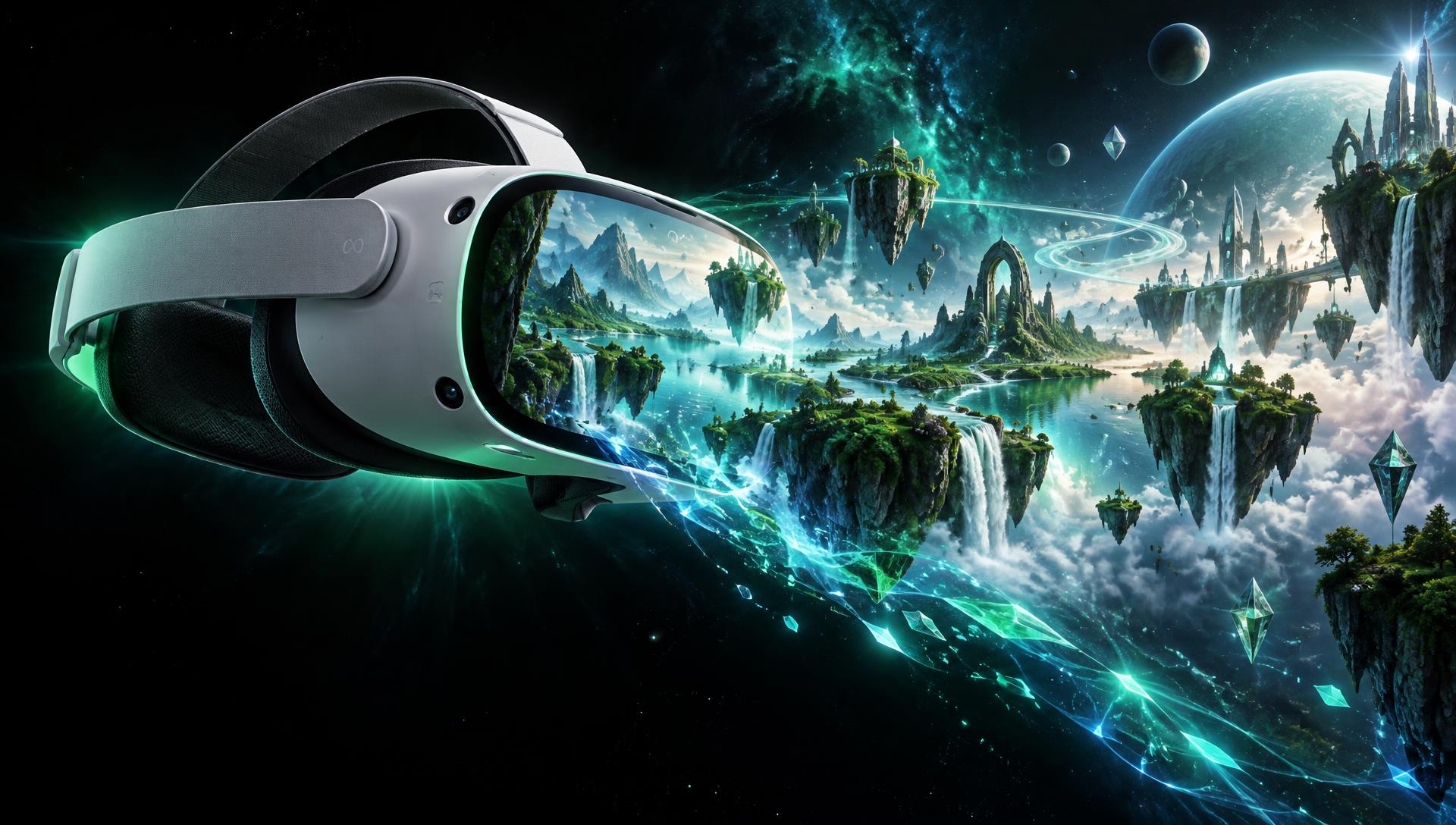
We create VR experiences and games for clients — custom immersive environments, applications, and games tailored to your brand, event, or training scenario, running right in the browser on Meta Quest.
The collection
A growing collection of immersive worlds, built for your headset. Pick a space, put on your Quest, and step inside — the experience runs right in your browser.
On Meta Quest: open this page in the Quest Browser, then tap a world to launch it. Use the trigger to enter VR — controllers and head tracking work automatically.
What is VibeVR?
VibeVR is an original collection of browser-based virtual reality projects created by VibeOS. Some are competitive games built around physical movement. Others are quiet landscapes, educational spaces, or experiments in how we might work and create when software is no longer limited to a flat screen.
Every public world has its own written guide explaining what you can do, how to begin, and how to have a more comfortable visit. You can explore those guides on any device, then open the experience in the Meta Quest Browser when you are ready to step inside.
Shoot basketballs, throw to receivers, roll a bowling ball, or practice a golf swing. These experiences interpret real controller motion, with difficulty and practice options where available.
Stand beneath the aurora, visit a tropical oasis, or move through the Solar System. These worlds prioritize curiosity, atmosphere, and observation rather than competition.
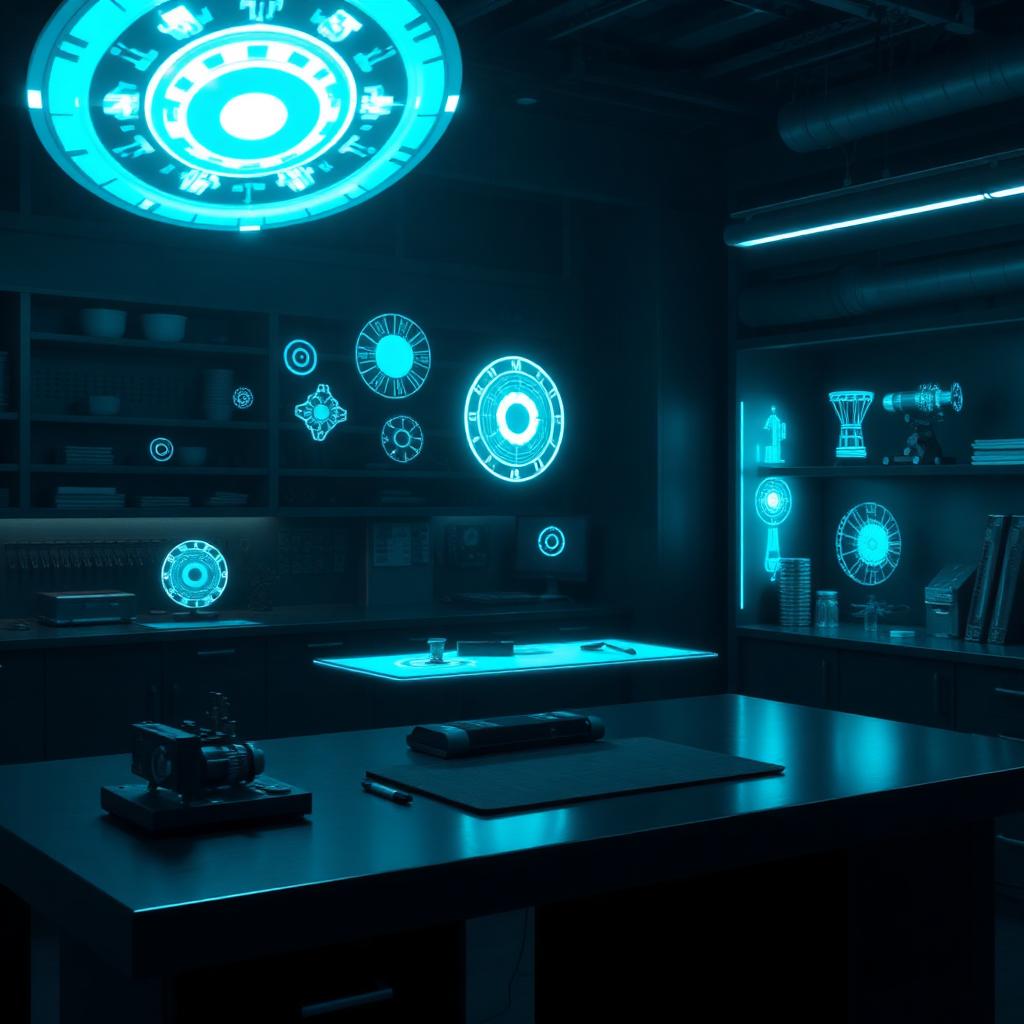
VibeOS VR and Hologram Desk explore software as a three-dimensional workspace, with floating tools and content you can inspect from within the scene.
Your first visit
Visit vibevr.io in the Quest Browser. You can also browse all the guides on your phone or computer first.
Read its guide, clear a safe play area, and start with an easier or unrated mode when one is available.
Use the control inside the experience. Head tracking and supported controllers become active in the immersive session.
Common questions
No separate store installation is needed. VibeVR experiences use WebXR through the Meta Quest Browser. Open a world and use its Enter VR control.
Yes. Every card links to a dedicated guide with an introduction, notable features, starting steps, and practical tips.
Yes. VibeVR creates custom VR environments, applications, and games for client projects, including branded experiences, events, and training scenarios.
Stop and remove the headset if you experience nausea, dizziness, eye strain, or fatigue. Begin with short sessions and calmer environments, and never push through symptoms.
Custom projects
We create tailored VR experiences and games for brands, events, training, and interactive storytelling. Tell us what you want your audience to do and feel.