What is Hologram Desk?
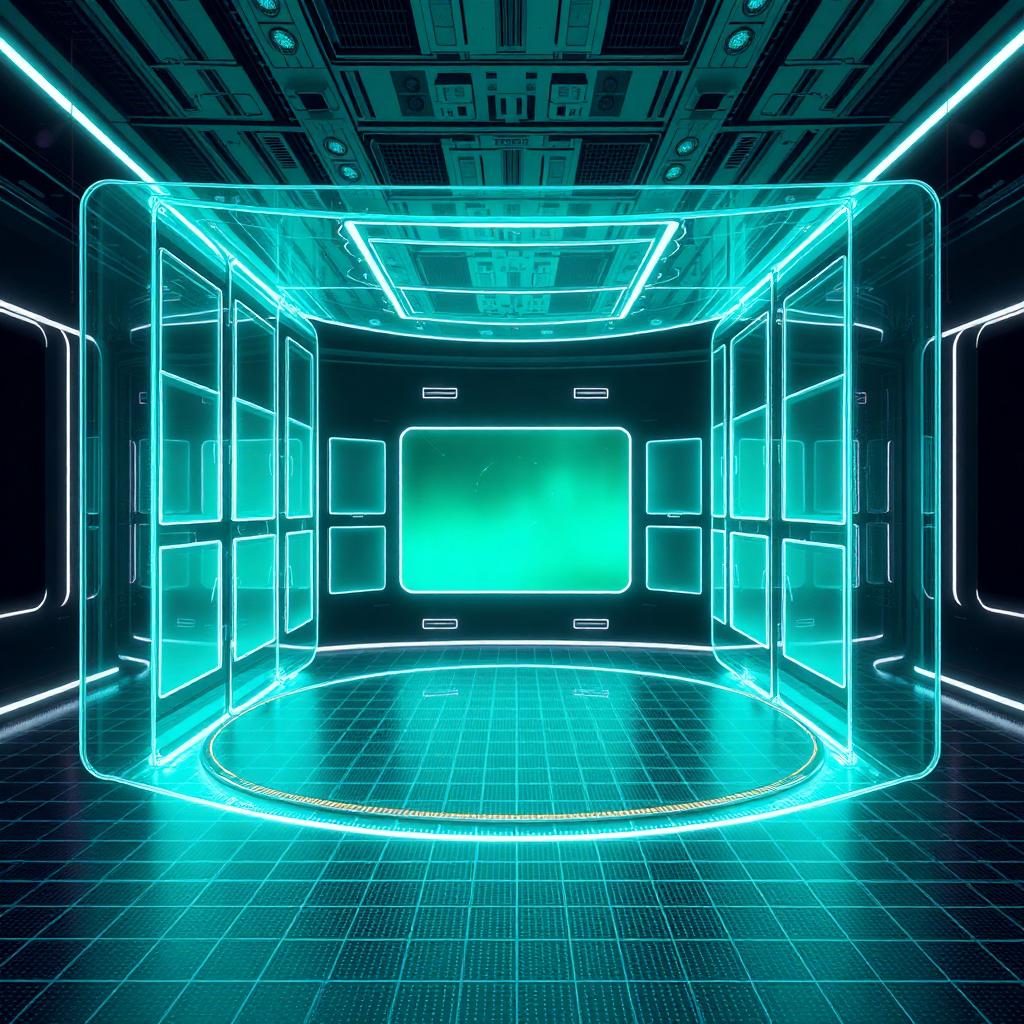
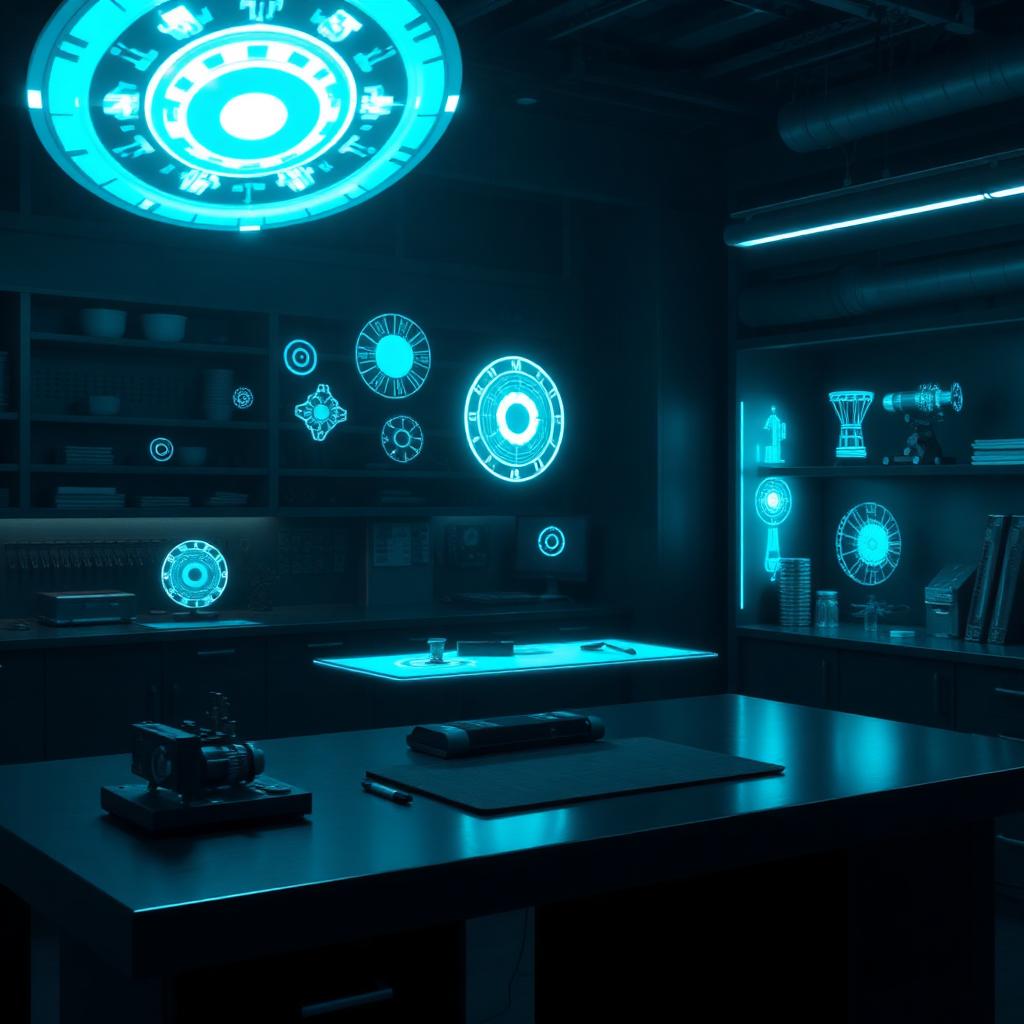
Hologram Desk explores what a creative workstation might feel like when its tools are made of light. Instead of treating the desk as a realistic piece of office furniture, it becomes a compact holographic environment where panels and controls occupy the space around you.
The experience sits between a sandbox and a design study. It is a place to interact, inspect, and imagine how future interfaces could use depth rather than simply copying a flat screen into VR.
What makes it worth entering
An interface you can inhabit
Controls and information exist in three dimensions, turning ordinary window interactions into something spatial and tactile.
A compact sandbox
The desk provides a focused area for experimentation without asking you to learn a large world or complete a long tutorial.
WebXR as a design medium
The project demonstrates how browser technology can support expressive, interactive environments rather than only passive 360-degree viewing.
Getting started
- 1
Enter the desk environment and look over the available panels and controls.
- 2
Point at interactive elements and use the controller trigger to select them.
- 3
Experiment with one control at a time so you can see what changes in the workspace.
- 4
On desktop, use the available mouse and keyboard interactions to inspect the scene.
Tips for a better visit
- A seated position suits the desk's compact layout.
- Move deliberately when learning a spatial interface; precise pointing is more useful than speed.
- Use it as a source of interface ideas as much as a standalone experience.
Ready when you are
Step into Hologram Desk
Open the experience in your browser, then use its Enter VR control on Meta Quest. You can return to this guide whenever you want to review the basics.
Launch the experience