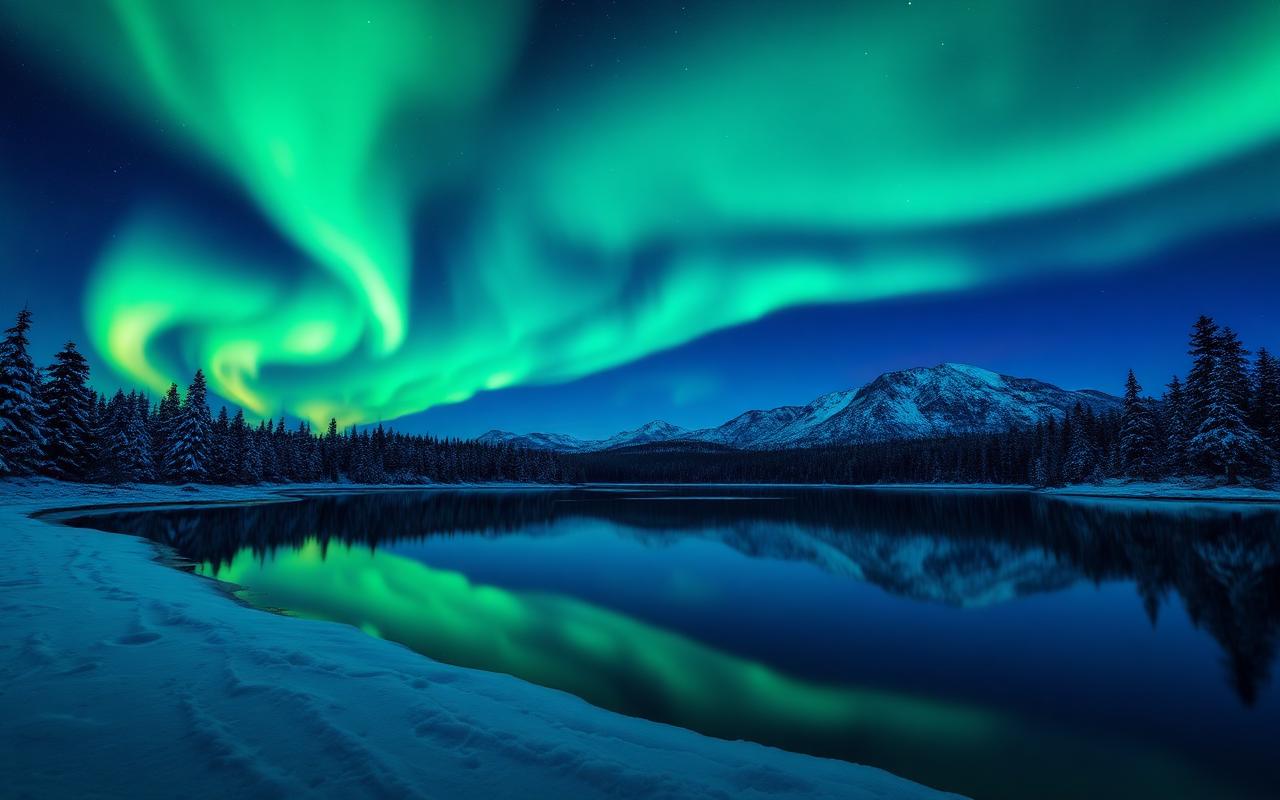
What is Serenity?
Serenity is a collection of quiet places rather than a game with a score to chase. Aurora Fjord surrounds you with snow, still water, cold night air, and moving northern lights. Oasis offers the opposite climate: warm light, palms, a beach, and a cliffside waterfall.
These environments are made for slow exploration. You might spend a few minutes watching the sky, walk toward a landmark, or simply remain in one spot and listen. That makes Serenity useful as a decompression space, an introduction to VR for a new user, or a visual backdrop for a calm demonstration.
What makes it worth entering
Two contrasting sanctuaries
Move between a frozen aurora landscape and a warm tropical oasis depending on whether you want a crisp night scene or a sunlit retreat.
Worlds with ambient motion
Light, water, weather, and small environmental details keep each place alive without demanding constant input.
Exploration at your pace
There is no wave to survive and no shot clock. You decide whether the visit is a short pause or a longer walk.
Getting started
- 1
Choose the landscape that matches the mood you want.
- 2
Enter VR, take a moment to look around, and let your eyes adjust to the scene.
- 3
Use the available movement controls to explore only as much as feels comfortable.
- 4
Find a viewpoint you enjoy and remain there for a few quiet minutes.
Tips for a better visit
- Seated exploration can be just as rewarding as walking.
- If you are new to VR, begin with a short visit and remove the headset at the first sign of discomfort.
- Headphones make ambient sound and spatial details easier to appreciate.
Ready when you are
Step into Serenity
Open the experience in your browser, then use its Enter VR control on Meta Quest. You can return to this guide whenever you want to review the basics.
Launch the experience